First time login – step by step
In order to use CitiDirect, you need to receive your Safeword card and, then, send the Safeword card receipt report to the bank: by fax to (89) 539 53 14 and the original to:
Zespół Obsługi Dokumentacji Rachunków Korporacyjnych
ul. Goleszowska 6. Bud. I p. 5
01-260 Warszawa
After our employee receives your fax he or she will call you back to confirm the signatures. The user will be activated in the system after the report is processed.
Please open the following address in your Internet Explorer:
https://portal.citidirect.com/
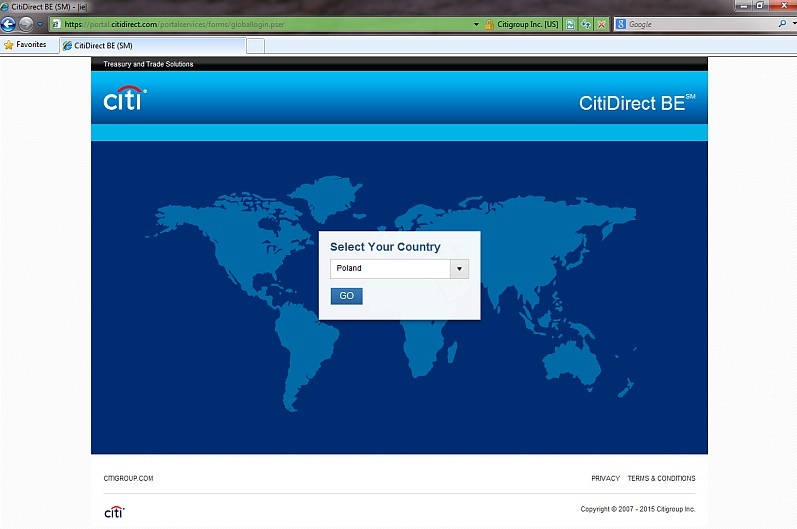 |
On the first login to the system or each time after you delete the Internet browser history you will see a window for selection of the country. Expand the list and select your country, then click ‘Go’ (e.g. when you choose ‘Poland’ as a country, the login page will be displayed in Polish). |
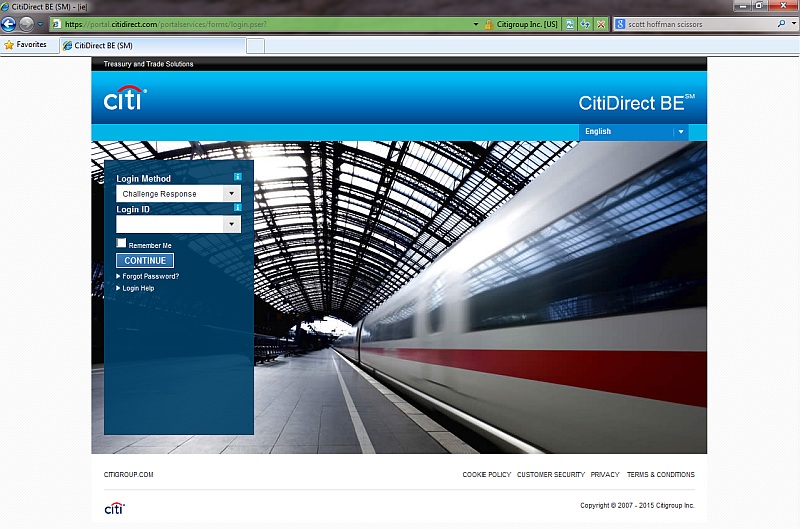 |
In the field Login Method please select: ‘Challenge Response’. |
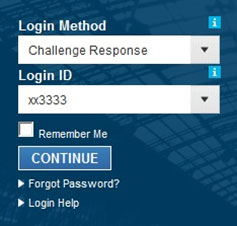 |
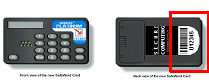
Then you will see the field Login ID. This is the serial number of your SafeWord card that you have received from the Bank. You can find it at the back of your card, below the barcode.
Please input the Login ID in small letters. Having input the number, please click Continue. |
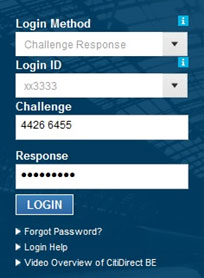 |
Now you will see the fields ‘Challenge’ and ‘Response’. In the ‘Challenge’ field there will appear an 8 digit code. Please turn on your card and generate the ‘Response’ in the way described below. |
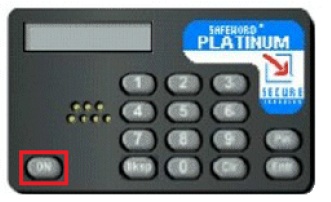 |
Press ON, to activate your SafeWord card. |
 |
At the ENTR PIN prompt, enter your PIN. |
 |
After having input the last digit of your PIN, the HOST? prompt would appear. |
 |
Enter number ‘9’. The CHALLNG? prompt would appear. |
 |
Enter digits from the Challenge field. Having entered the last digit, the card would automatically generate a dynamic password. IMPORTANT! The password may be composed of both digits and letters. The size of letters does not matter. Letters may be only those symbols which cannot stand for a digit. In case of doubt, priority should be given to a digit. (e.g. always digit ‘0’ and never letter ‘O’). After you have typed the password click on LOGIN, in order to enter portal CitiDirect BE. |