 06.06.2016
Dear Customer,
We would like to remind you just how easy it is to approve payments in CitiDirect. Below, we present a few ways to authorize and release payments within a few seconds.
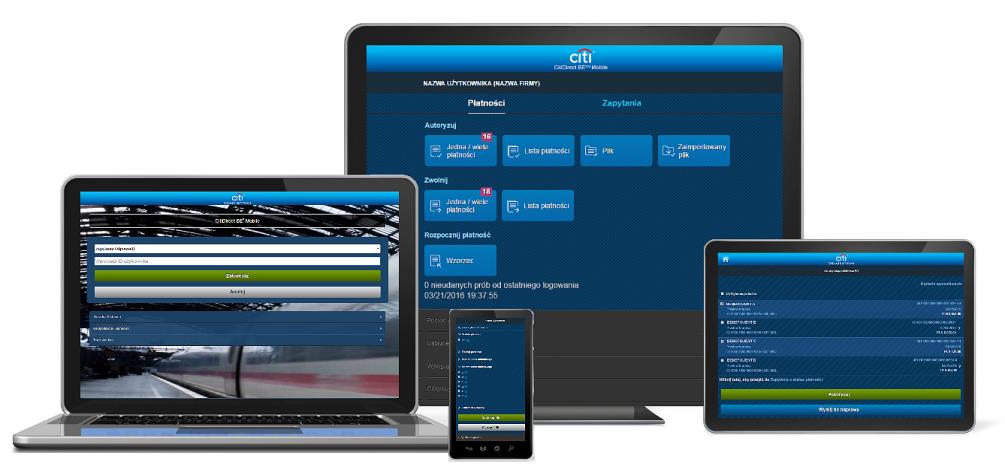
Authorize/release payments via CitiDirect Mobile (light version of CitiDirect)
With CitiDirect Mobile you can authorize and release payments, as well as authorize file import from any place, any time and most importantly – from any device and internet browser.
How to start using CitiDirect Mobile?
Click here, to learn more!
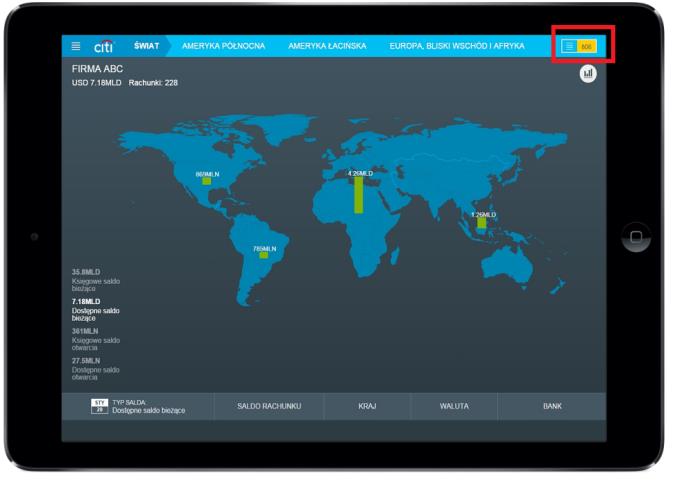
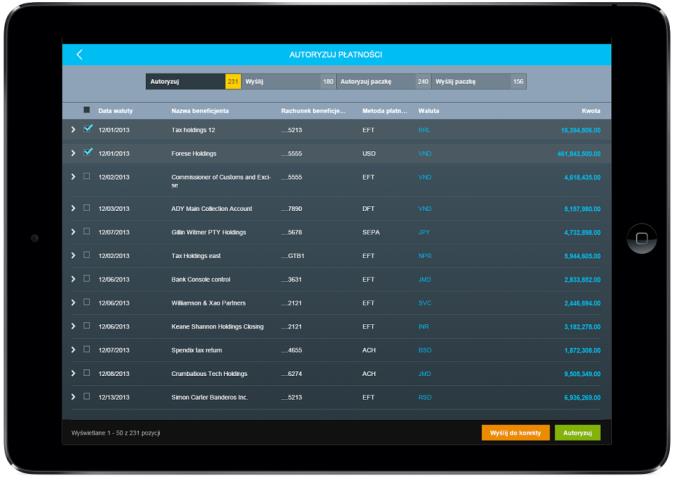
Authorize/release payments via CitiDirect Tablet app
Authorizing and releasing payments with CitiDirect Tablet app is just as easy!
How to start using CitiDirect Tablet?
The payments authorization / release menu is in the upper right corner of the screen:
Click here, to learn more!
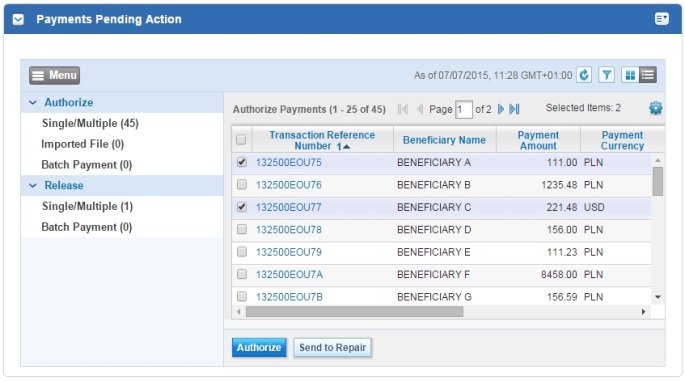
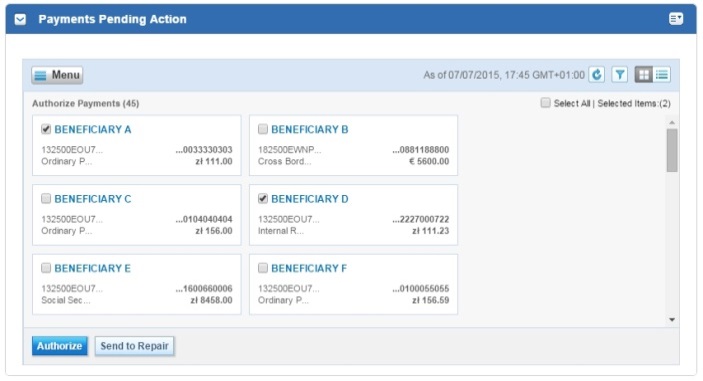
Authorize/release payments from „Payments Pending Action” widget
The homepage of CitiDirect BE portal contains convenient widgets, which enable you to perform main tasks right after login, without launching the CitiDirect Services window. Thanks to the Payments Pending Action widget you can quickly authorize and release payments as well as authorize file import.
The view of data in the widget can be adjusted to suit your needs:
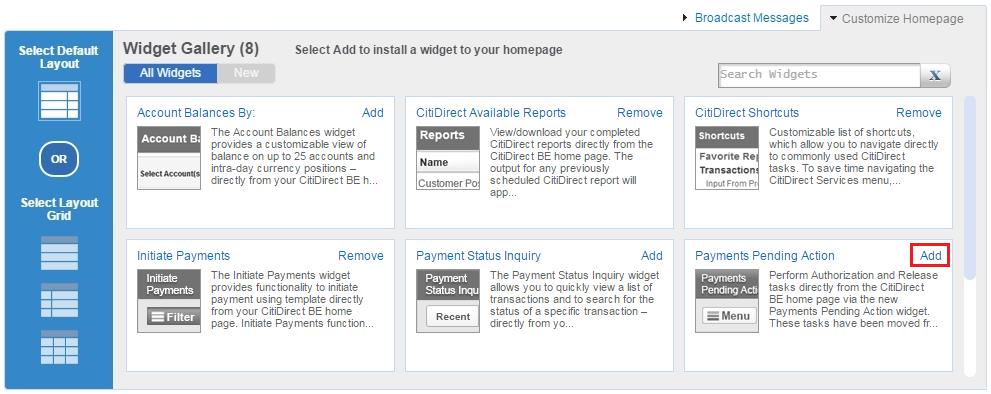
How to add widgets to your homepage?

In case of questions, please contact CitiDirect HelpDesk at
helpdesk.ebs@citi.com.
Best regards,
CitiDirect Team
