 15.09.2014
We kindly remind you that the Home Page visible after login via CitiDirect BE Portal features convenient widgets that enable you to:
To install the helpful widgets on the Home Page, please go to Customize Homepage tab and choose the widgets that interest you by clicking ‘Add’ as shown in the example below
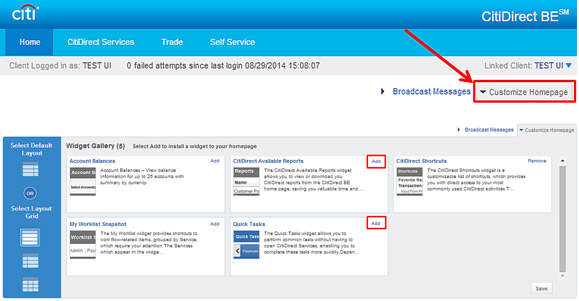
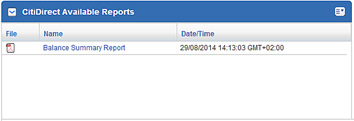
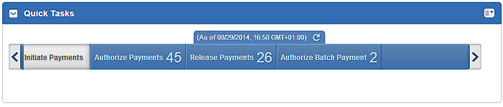
This way, in just a few clicks the selected widgets will appear on your Home Page, facilitating your everyday work with CitiDirect and saving your time. In the above example, the following two widgets will be added to the Home Page:
CitiDirect – Available Reports
Quick Tasks
We encourage you to benefit from the convenient widget functionality.
